Custom training
In this page, it is expected that the user has successfully run a first reference training on Hockolicious.
The objective is now to train the AI on another map, not preconfigured by the authors. As an exercise, we recommend setting up a simple map such as A02-Race.
Define a Reference Line
We define a reference trajectory along which the agent’s progress is measured.
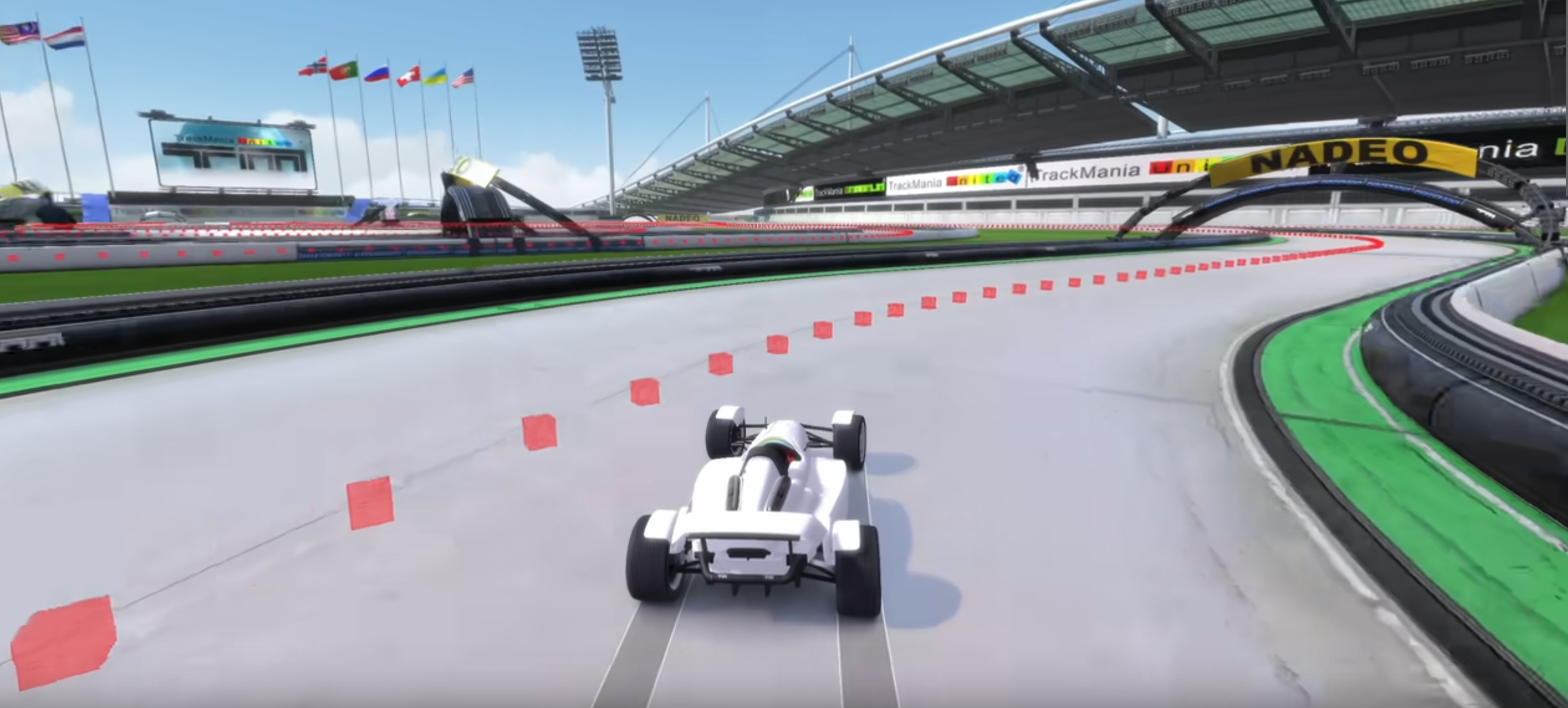
This reference trajectory does not need to be fast. The authors usually drive along the centerline of the map.
Use the following command to create a file maps/map.npy for your map from a replay.
python scripts/tools/gbx_to_vcp.py {path_to_replay}.Replay.Gbx
Rename the file to your liking so that it is not overwritten in the future.
The authors recommend the following nomenclature: {map_name}_0.5m_{trajectory_description}.npy. Trajectory description may be cl when the replay was driven on the centerline, or {player_name} if a known player’s trajectory was used as reference.
Note
To define the reference line, points are sampled every 50cm along the replay’s trajectory. Over the course of the project, the terms “Virtual Checkpoints”, “VCP”, “zones” have been used to refer to these points.
Check the Reference Line
This step is optional, but recommended. We want to visualize the reference line to check its position on the map.
Launch a game instance with the argument /configstring="set custom_port 8477".
Load the map.
Run the following command:
python scripts/tools/tmi2/add_vcp_as_triggers.py maps/A02-Race_0.5m_cl.npy -p 8477
Note
The -p argument allows you to choose the port used to connect to the game instance. You can freely change 8477 to any other available port.
Edit the configuration file
Configuration is loaded from a YAML file. To train on a new map, edit the config YAML (e.g. config_files/rl/config_default.yaml):
1. Edit the map_cycle section
Find the map_cycle section with entries. Each entry defines a map with:
short_name: for logging (e.g. “A02”)
map_path: map file name as in TMInterface (e.g. “A02-Race.Challenge.Gbx”)
reference_line_path: path to the
.npyfile in maps/ (e.g. “A02_0.5m_cl.npy”)is_exploration: whether to use exploration (true) or evaluation (false)
fill_buffer: whether to add experiences to the replay buffer
repeat: how many times to repeat this entry
Example for A02-Race (4 exploration + 1 evaluation):
map_cycle:
  entries:
    - {short_name: A02, map_path: "A02-Race.Challenge.Gbx", reference_line_path: "A02_0.5m_cl.npy", is_exploration: true, fill_buffer: true, repeat: 4}
    - {short_name: A02, map_path: "A02-Race.Challenge.Gbx", reference_line_path: "A02_0.5m_cl.npy", is_exploration: false, fill_buffer: true, repeat: 1}
2. Adjust training schedule (optional)
In the training section, set global_schedule_speed. For easier maps like A02-Race, use a faster schedule (e.g. 0.8). For harder maps like map5 or E03-Endurance, use a slower schedule (e.g. 1.5).
3. Update run name (optional)
In the training section, change run_name (e.g. "A02_training") to identify this experiment. This affects tensorboard logs and save file locations.